Fast broadcast titling

Type it. Brand it. Take it to air.

Smart Scenes is the fastest way to add lower thirds, breaking-news bars, names, sponsor messages and images over the scene already on air—without rebuilding the composition.
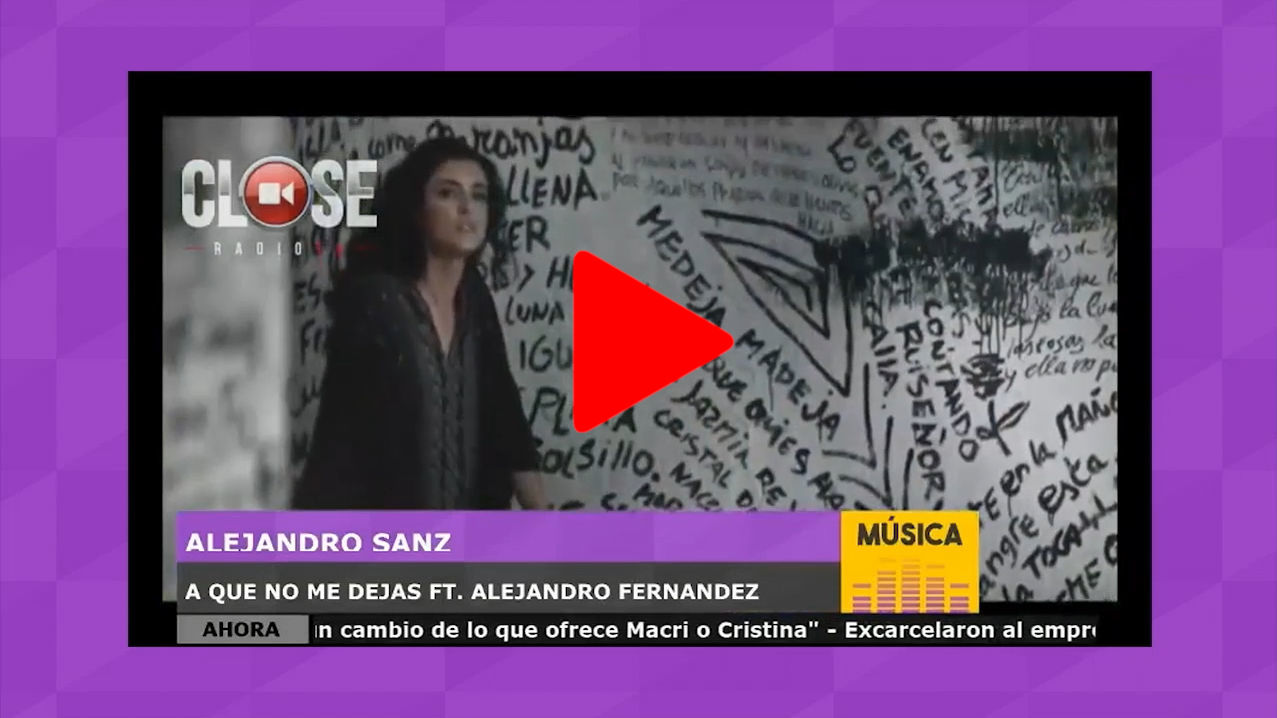
  • Editable text and images
  • One-click live overlay
PROGRAM · STUDIO A ON AIR
Visual radio studio program output CLOSE LIVE
BREAKING NEWS
SMART SCENESFast live titles, images and on-air updates
SMART OVERLAY
BASE SCENE: INTERVIEW SMART: BREAKING NEWS OUTPUT LIVE
Live text Replaceable images Scene overlay Instant activation
Built for the live operator

A title generator that moves at radio speed.

Live information cannot wait for a graphics department. Choose a prepared Smart Scene, complete only the fields that change, and put the result on air. The design, position, size and opacity stay exactly as configured.

The operator edits the messageNames, headlines, details and images are completed immediately before air. The template protects the brandTypography, layout, fixed logos and visual rules remain prepared in advance. The current scene keeps playingThe Smart Scene is added above the active camera or program composition.
Fast does not mean limited

Everything needed for polished, immediate on-air graphics.

Prepare reusable visual structures once. During the show, the operator only changes what the audience needs to see.

01 · TEXT

Edit live fields

Complete headlines, names, roles, locations, details or any other text defined as a SMART element.

02 · IMAGE

Replace visual content

Select a new image while preserving the size, position and opacity already established by the designer.

03 · OVERLAY

Keep the base scene

Add the graphic over the camera, interview, music video or scene currently on program.

04 · CONTROL

Activate in one step

Review the live fields and take the completed scene to air from one clear operational window.

05 · PERSISTENCE

Keep it visible

When required, make the graphic permanent so it remains present across camera or base-scene changes.

06 · COMBINATION

Layer multiple messages

Use more than one active Smart Scene when the final composition needs several independent overlays.

The live workflow

Three actions from prepared template to finished graphic.

No timeline editing. No scene reconstruction. No interruption to the content already on air.

01

Choose

Select the prepared Smart Scene for the moment: guest, breaking news, sponsor or another format.

READY TEMPLATE
02

Complete

Enter the live text, keep or replace the image, and confirm whether it should remain across scene changes.

LIVE CONTENT
03

Take to air

Activate the Smart Scene and its content is immediately added above the current program composition.

ON AIR
The design is already done.The operator only completes the information that changes for this live moment.FAST · SAFE · CONSISTENT
A focused live interface

Only the fields that matter. Nothing in the way.

When a Smart Scene is selected, the operator receives a compact window containing the editable fields for that specific template. Fixed logos, labels and design elements remain protected.
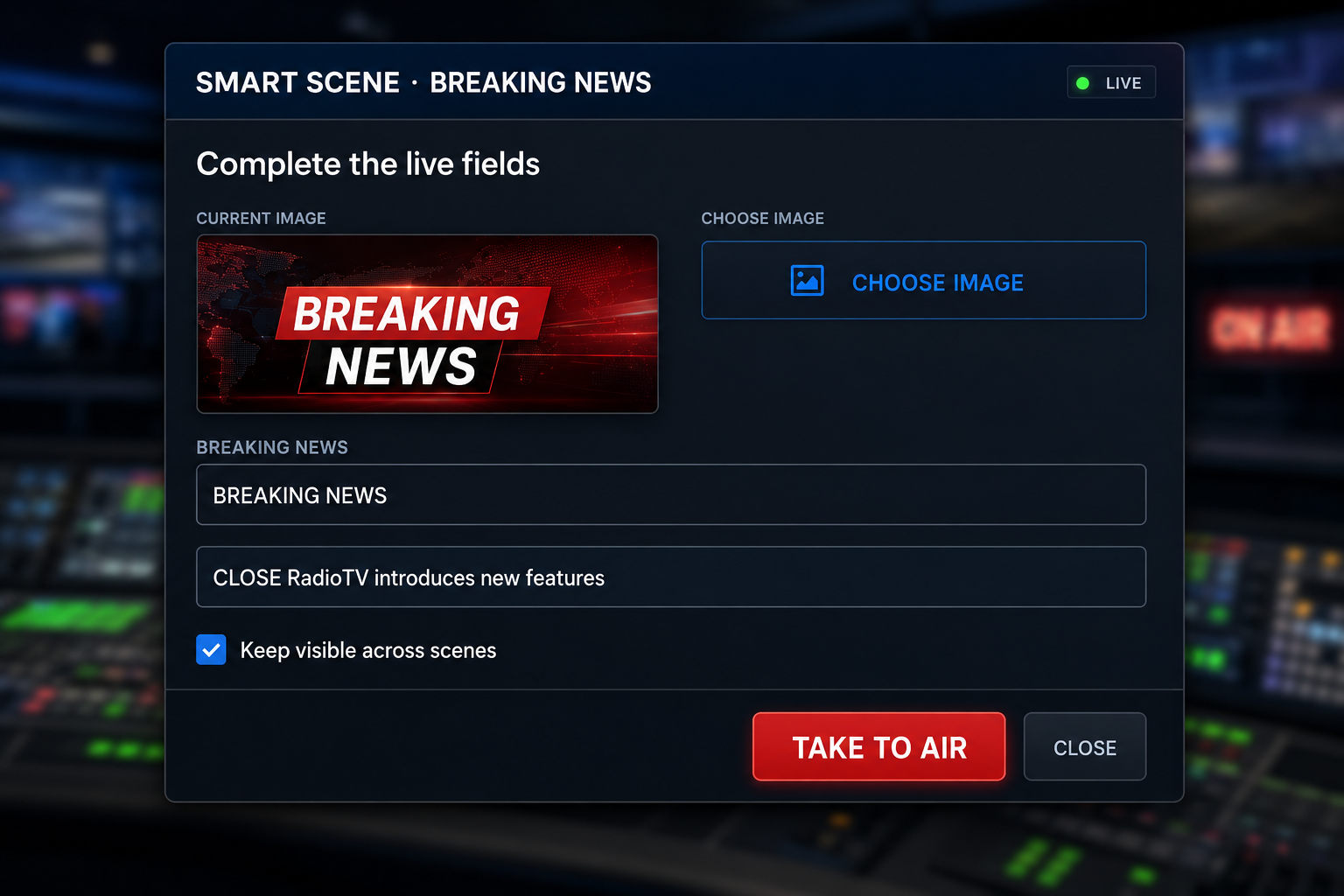
  • Clear live fieldsChange only the text and images defined for on-air operation.
  • Immediate visual decisionsReuse the selected image or choose a different one before activation.
  • Update while activeOpen the active scene again, modify its text and apply the change.
SMART SCENE · LIVE EDITOROPERATOR VIEW
Modern Smart Scenes live editor showing English breaking-news text and image controls
FINAL COMPOSITIONPROGRAM
TOP LAYER
Smart SceneEditable headline + image
ACTIVE
FIXED GRAPHICS
Logo + clockProtected brand elements
VISIBLE
BASE SCENE
Studio interviewCurrent camera composition
ON AIR
FINAL OUTPUTOne complete broadcast image
Always above the moment

Add information without replacing the story underneath.

A Smart Scene does not become the new base composition. It is superimposed over what viewers are already watching, so the operator can communicate new information while the interview, live camera or programmed content continues.

Keep the live pictureThe active camera or scene remains the visual foundation. Add one or more overlaysMultiple active Smart Scenes can contribute to the final composition. Choose scene-change behaviorUse the permanent option when the graphic must stay across Camera Director changes.
One fast tool · Many live moments

Prepared graphics for the information that changes every minute.

Build every format around your station identity, then reuse it throughout the day with fresh content.

URGENTBreaking news

Headline, details and a current image over any live scene.

INTERVIEWGuest lower third

Name, role, company and social information.

COMMERCIALSponsor message

Branded mentions, offers, URLs and campaign images.

REMOTELive location

Reporter, event and location over LiveCAM coverage.

NOW PLAYINGProgram information

Show, host, song or upcoming-segment details.

INFORMATIONWeather and alerts

Fast public information in a consistent station design.

Prepared once · Used continuously

Creative freedom for designers. Operational simplicity for air staff.

In edit mode, the station defines which layers belong to the Smart Scene. Elements prefixed with SMART_ become live-editable; normal text, images and logos remain fixed as part of the template.

TEMPLATE LOGICEDIT MODE
SMART_TITLEEditable headlineLIVE FIELD
SMART_DETAILSEditable informationLIVE FIELD
SMART_IMAGEReplaceable imageLIVE FIELD
STATION_LOGOFixed brand elementPROTECTED
Save template and return to normal operationREADY FOR AIR
Immediate status · Immediate control

Know what is active before you touch it.

Smart Scene buttons use a simple visual language: white when ready, red when their content is present in the final composition.

READY

Prepared and available

ON AIR

Visible in composition

EDIT / UPDATE

Update or deactivate

Part of the complete CLOSE workflow

Live information exactly where production needs it.

Smart Scenes connects prepared graphics with studio cameras, remote guests, automated production and multi-platform output.

A better live-graphics workflow

Faster operation. Consistent branding. Better information on screen.

01 · SPEED

Respond to live moments

Publish a current headline, guest name or image while the information is still relevant.

02 · BRAND

Protect visual consistency

Operators change content without changing the approved layout, typography or placement.

03 · SIMPLICITY

Reduce operator steps

Keep the complete action inside one focused window with only the fields needed for air.

04 · IMPACT

Make information visible

Turn audio-first moments into clear, professional visual communication for every video platform.

Your next graphic is seconds away

Complete the message. Keep the scene. Take it to air.

See Smart Scenes working inside your CLOSE Visual Radio production with your own graphics, cameras and operator workflow.